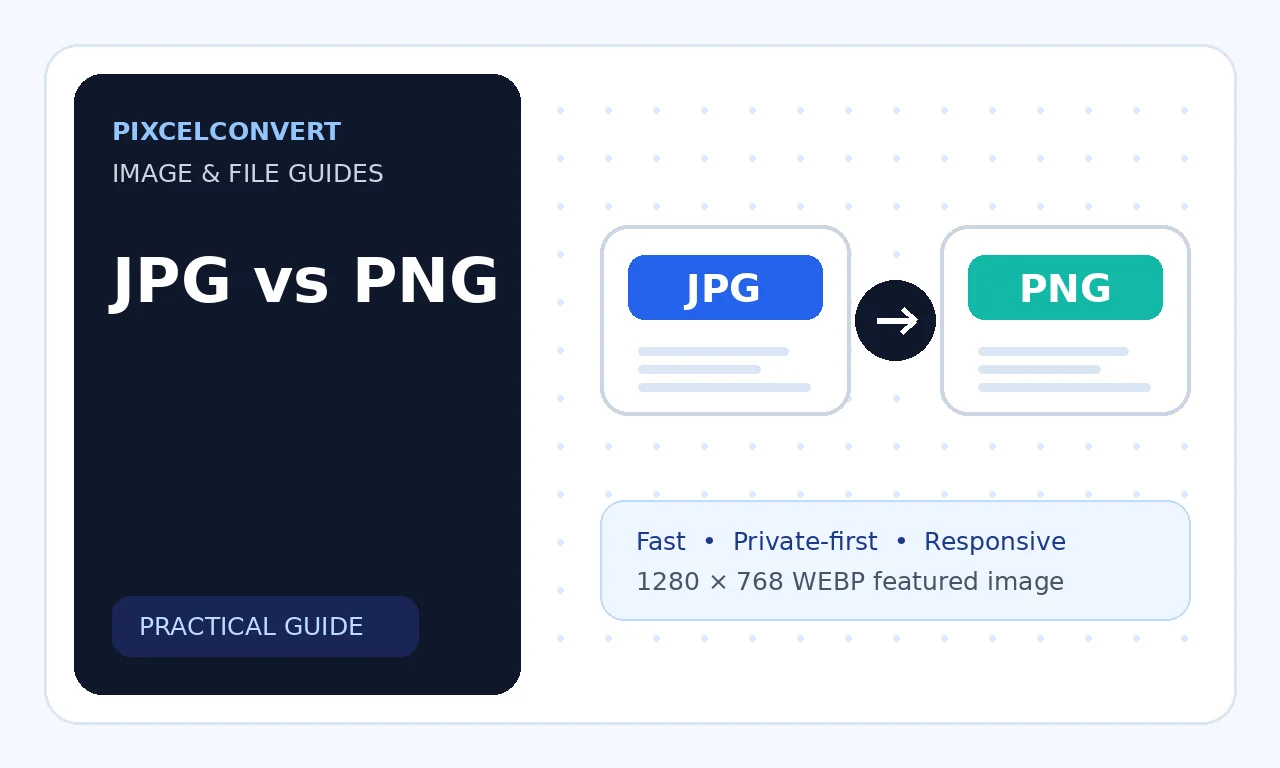
JPG and PNG are two of the most widely supported image formats, but they solve different problems. JPG is designed for efficient photographic compression, while PNG is designed for lossless graphics, sharp edges, and transparency. Choosing the wrong format can produce unnecessarily large files, blurry text, visible compression artifacts, or missing transparent backgrounds.
On this page
Table of Contents
Introduction
The best choice depends on what the image contains, where it will be published, and whether file size, perfect detail, or transparency matters most. This guide compares both formats in practical terms and explains when converting from one to the other makes sense.
Need a converter? Browse the complete PixcelConvert tool directory.
What Is a JPG Image?
JPG, also written as JPEG, uses lossy compression. The format reduces file size by discarding visual information that is less noticeable to the human eye. That tradeoff makes JPG especially effective for photographs, realistic illustrations, and images with many colors or gradual tonal changes.
A high-quality JPG can look excellent while remaining much smaller than an equivalent lossless file. However, repeatedly editing and resaving a JPG can gradually reduce quality because each save may apply another compression pass. JPG also does not support transparent backgrounds.
- Best for photographs and realistic images
- Small files at moderate quality settings
- Broad compatibility across browsers and devices
- No transparency support
- Quality can decline after repeated resaving
What Is a PNG Image?
PNG uses lossless compression, which means the image data can be reconstructed without the quality loss associated with JPG compression. It preserves hard edges, small text, interface elements, screenshots, diagrams, logos, and graphics more accurately.
PNG also supports alpha transparency, allowing edges to blend smoothly over different backgrounds. The tradeoff is file size. A detailed photograph saved as PNG can be several times larger than a visually similar JPG or modern WebP image.
- Best for logos, screenshots, icons, and diagrams
- Supports full alpha transparency
- Preserves text and sharp edges
- Larger files for photographs
- Excellent editing and intermediate format
JPG vs PNG Quality and Compression
The word “quality” means different things depending on the source image. PNG preserves every encoded pixel, so it is technically lossless. JPG changes pixel information to reduce file size, but at sensible settings the difference may be difficult to notice in a photograph.
For screenshots, typography, line art, and flat-color graphics, JPG artifacts are much easier to see. Thin lines may become fuzzy, colored areas can develop halos, and text can lose clarity. In these cases, PNG usually provides a cleaner result. For photographs, JPG often delivers the better balance between visual quality and storage size.
Transparency, Color, and Compatibility
PNG is the clear choice when a transparent background is required. This is common for logos, product cutouts, overlays, icons, and interface graphics. JPG always creates an opaque rectangular image, so transparent areas must be replaced with a background color before saving.
Both formats are universally supported by modern browsers, WordPress, editing software, email clients, and social platforms. PNG can preserve transparency and crisp graphics, while JPG is often processed more efficiently by platforms that expect photographs. Color appearance may still vary if embedded profiles are removed or interpreted differently.
When to Use JPG
Choose JPG when the image is primarily photographic and does not need transparency. It is well suited to blog photography, real estate listings, product lifestyle images, travel photos, portraits, email images, and social media posts.
For websites, use a reasonable quality level instead of always selecting the maximum setting. Extremely high JPG quality can increase file size significantly without producing a visible improvement. Keep an original master file before compression so you can create new versions later.
When to Use PNG
Choose PNG when you need transparency, exact pixels, sharp text, or clean graphic edges. It is ideal for logos, UI screenshots, diagrams, charts, signatures, icons, badges, and images that will be edited repeatedly.
PNG is also useful as an intermediate working format because it avoids generational loss. After editing is complete, you can export separate web-ready versions in PNG, WebP, AVIF, or JPG depending on the final destination.
Should You Convert JPG to PNG or PNG to JPG?
Converting JPG to PNG does not restore detail already removed by JPG compression. The new PNG may be larger while preserving the existing artifacts exactly. This conversion is useful only when software requires PNG, when you need to add transparency after editing, or when you want to prevent further JPG degradation.
Converting PNG to JPG can reduce file size substantially, especially for photographs. Before converting, replace transparent areas with the intended background color and inspect text, edges, and gradients for artifacts. Always compare the result at the actual display size.
JPG vs PNG Quick Comparison
Use this summary when you need a fast decision.
| Feature | JPG | PNG |
|---|---|---|
| Compression | Lossy | Lossless |
| Transparency | No | Yes |
| Best for | Photographs | Graphics and screenshots |
| Typical file size | Smaller | Larger |
| Repeated editing | Can lose quality | Preserves encoded quality |
| Browser support | Excellent | Excellent |
Frequently Asked Questions
Is PNG always higher quality than JPG?
- PNG is lossless, but a carefully compressed JPG can look equally good for photographs while using much less storage.
Why is my PNG much larger than my JPG?
- PNG preserves pixel data losslessly, while JPG removes less noticeable information to reduce size.
Can JPG have a transparent background?
- No. Use PNG, WebP, AVIF, or SVG when transparency is required.
Does converting JPG to PNG improve quality?
- No. It preserves the current JPG appearance but cannot recover details already discarded.
Which format is better for WordPress?
- Use JPG or modern WebP/AVIF for photos and PNG for graphics that need transparency or pixel-perfect detail.
Conclusion
JPG and PNG are not competing versions of the same format; they are tools for different kinds of images. JPG is usually the practical choice for photographs because it offers small files and broad compatibility. PNG is better for transparency, screenshots, logos, text, diagrams, and graphics that require lossless detail. Evaluate the image content, destination, editing needs, and performance budget before choosing. Keep a high-quality original, create optimized copies for each use, and inspect the final output instead of judging by the extension alone.

About the author
mybasirpurcity.pk92@gmail.com
PixcelConvert editorial contributor covering image formats, conversion workflows, compatibility, and practical publishing decisions.